01 Sept 2022 · 8 min read
Automating LinkedIn Easy Apply with Python and Selenium
This isn't a claim that spraying applications is the right job-search strategy. It's a claim that if you have decided to play the numbers game, a human should not be the one clicking the buttons.
Defining the search
Everything starts with the search URL. LinkedIn encodes every filter into query parameters, so you build the search you want in the UI - remote, data or growth roles, Easy Apply only, the right seniority - and then hand that URL to the script. No filtering logic needed in code.
Driving the browser
Selenium for interaction, BeautifulSoup for parsing, webdriver_manager to keep the chromedriver in step with the installed Chrome version, and time.sleep between actions so you're not hammering the page.
from bs4 import BeautifulSoup
from selenium import webdriver
from webdriver_manager.chrome import ChromeDriverManager
import time

options = webdriver.ChromeOptions()
options.add_argument("--no-sandbox")
options.add_argument("--disable-dev-shm-usage")
driver = webdriver.Chrome(ChromeDriverManager().install(), chrome_options=options)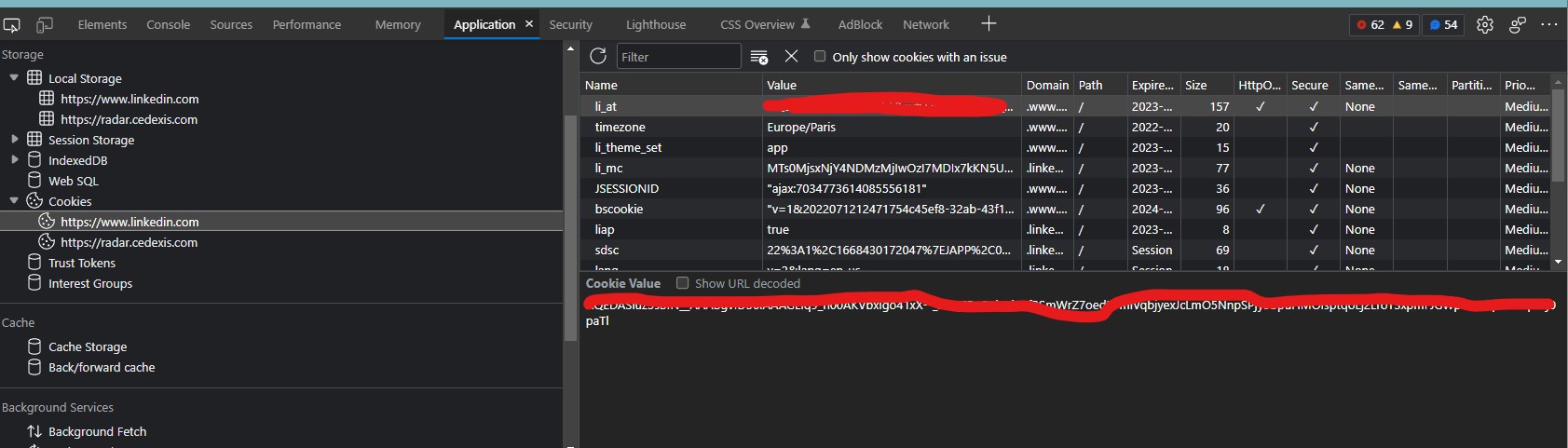
Authentication, then the loop
Log in once by filling the email and password fields and submitting. Then iterate the result pages: open each job card, look for the Easy Apply button, click through the modal, and submit when the form has no unexpected required fields.
That last condition is where all the real complexity lives. Easy Apply is only easy when the form is the default one. The moment a posting adds custom questions - years of experience, salary expectation, a free-text prompt - the script should stop and leave it for a human rather than submit something wrong. Detecting 'this form is not the standard form' is most of the code.
What I'd change
Everything here is fragile by construction. It depends on DOM structure that changes without warning, and browser automation against a logged-in session is exactly the kind of thing platforms actively discourage. It worked, it taught me a lot about resilient selectors, and it's the reason I now reach for a documented API long before I reach for a webdriver.