14 Jan 2023 · 7 min read
Kecil, part 9 - putting it live on a droplet
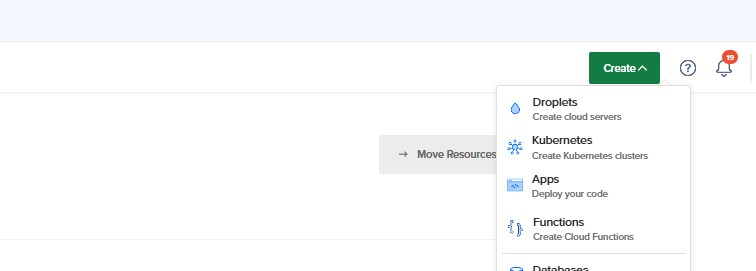
One Digital Ocean droplet: Frankfurt, Ubuntu 22.10, 1GB / 25GB, password auth. Then SSH in:
ssh root@ip.addressDependencies
sudo apt update
sudo apt install nodejs npm
sudo apt install mysql-server
sudo mysql_secure_installation
Root needs to authenticate by password for the app to connect:
ALTER USER 'root'@'localhost' IDENTIFIED WITH mysql_native_password BY 'password';The app
git clone https://github.com/Nicholas-t/KECIL
cd KECIL && nano .env
npm i
node app.js
.env carries MY_SQL_HOST, MY_SQL_USER, MY_SQL_PWD, PORT and SESSION_SECRET. Nothing in there ever reaches the repository.
Nginx in front
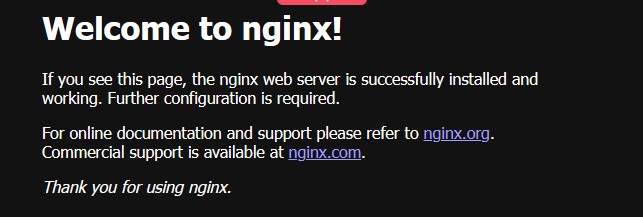
sudo apt install nginx
sudo ufw allow 'Nginx HTTP'
systemctl status nginx
Nginx reverse-proxies port 80 to the Node process on 7000, which keeps the app off a privileged port and leaves somewhere obvious to bolt TLS on in the next part. Run node under a process manager rather than a bare shell, or the first disconnect takes the site down with it.