12 Dec 2022 · 3 min read
Kecil, part 8 - making it look like mine
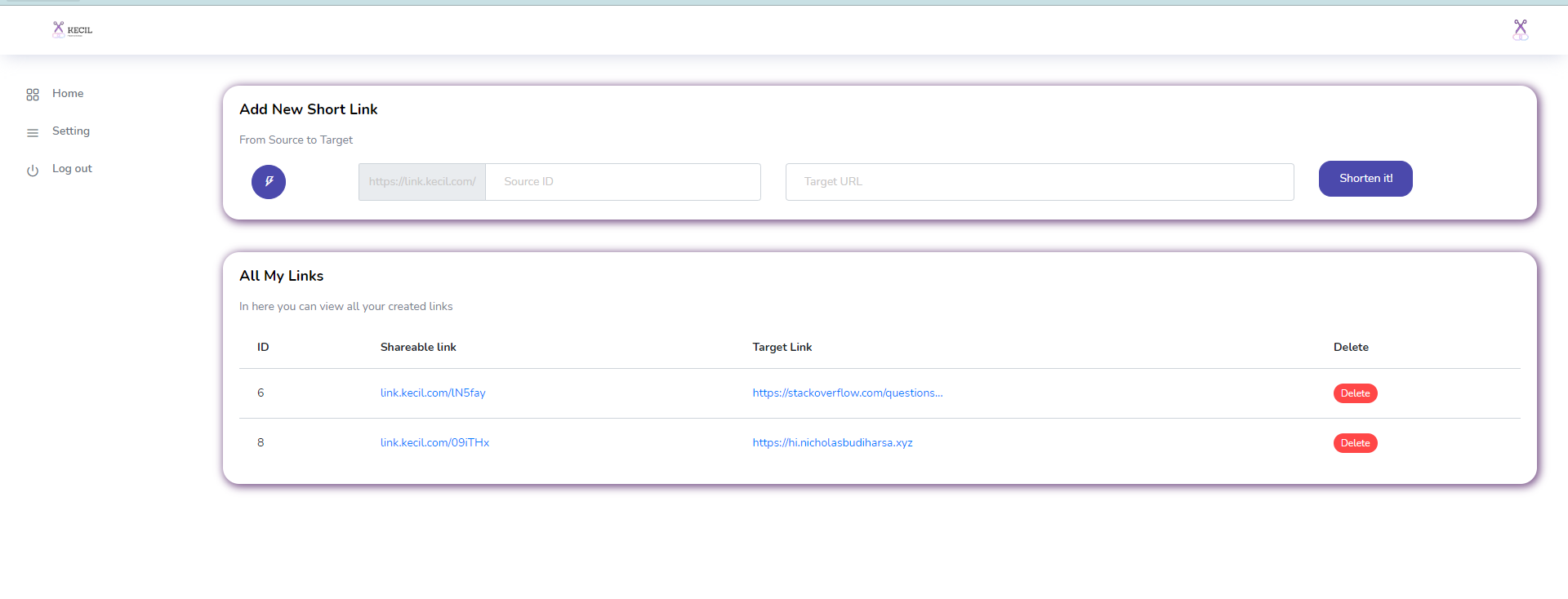
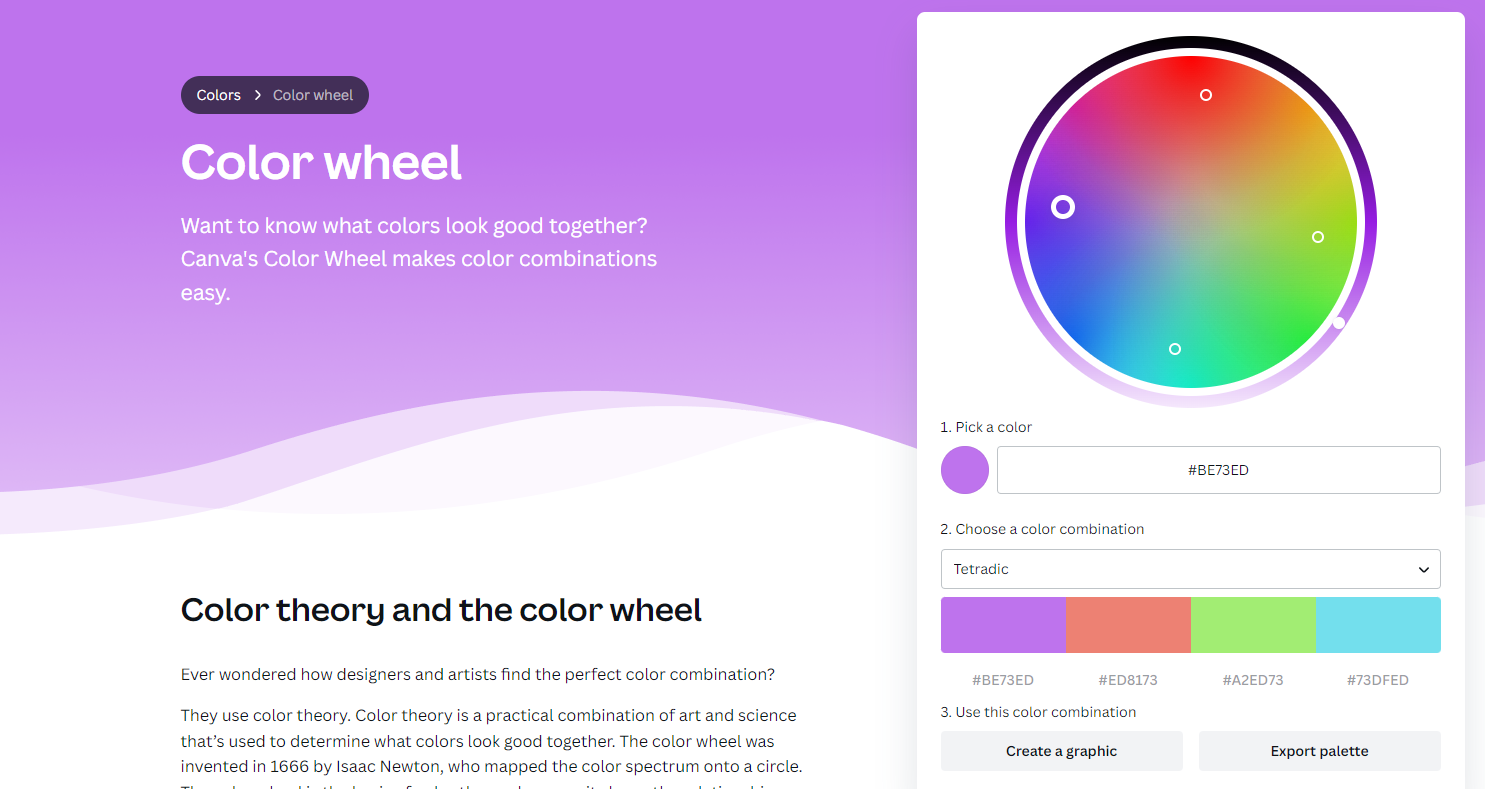
A logo in Canva, dropped into /public/images, and a find-and-replace across the views. This is where you can tell I have no design training.

Then a template.css loaded after the theme's stylesheet in every page, so overrides win without editing vendor files:
<link rel="stylesheet" href="/css/template.css">.content-wrapper { background: #ffffff !important; }
.auth .auth-form-light { background: #ffffff; border-radius: 10px; }
.card { box-shadow: 2px 2px 10px 2px rgba(91, 46, 110, .8); }
.footer { background: #ffffff; }Keeping the personal layer in one file means the template can be swapped later without unpicking anything. The app is yours from here.